
Quick Start
This guide walks you through the fastest way to get Share My Cart working in a useful, practical way.
The aim is not to configure everything at once. It is to get the plugin set up and see how it works. You’ll most likely want to review the settings and tweak the options to suit your store. So if you’ve not done so already, follow the Installation guide now.
Steps to get started
- Visit the ‘Share My Cart Settings’ page and review the settings. All settings have sensible defaults so you may not wish to change any of them.
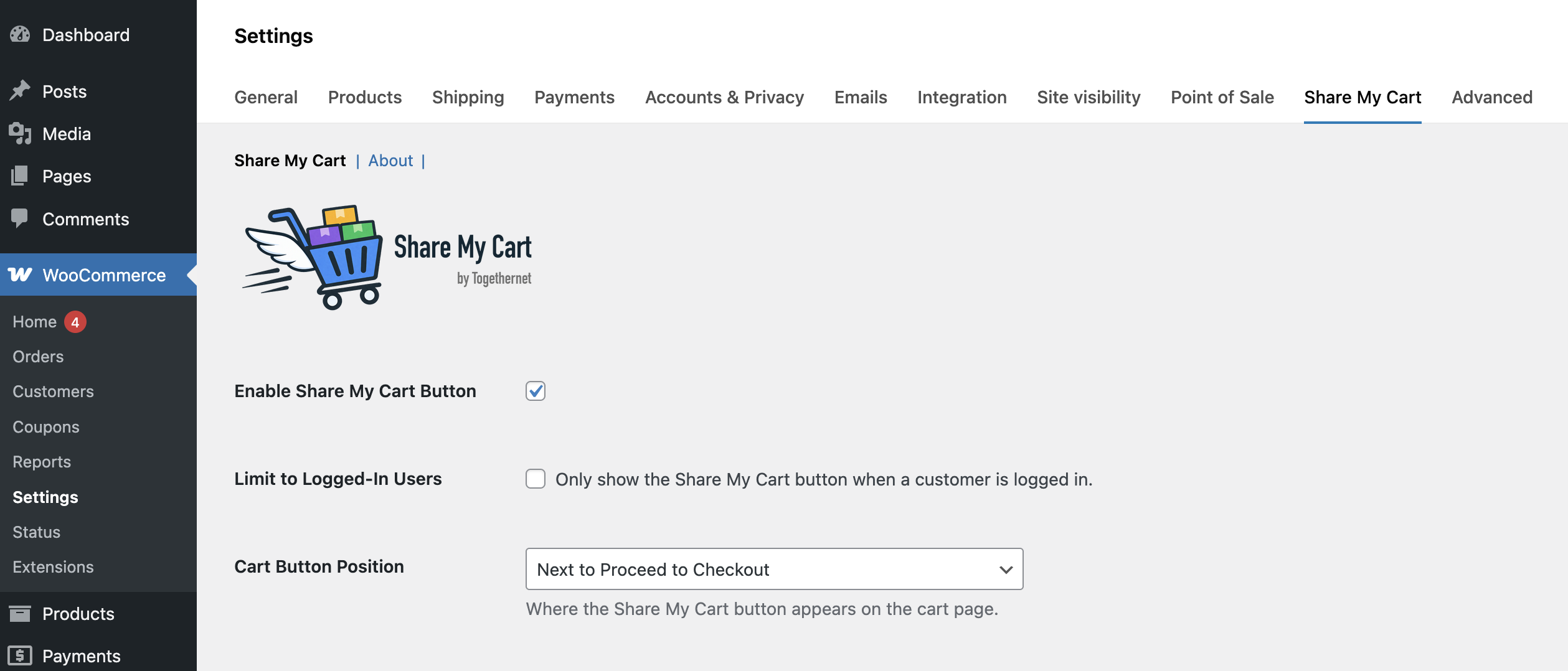
- Under ‘Sharing Options’, enable the channels you want to offer — email, WhatsApp, SMS, and copy link are all on by default. Disable any that are not relevant to your customers.
- If email is enabled, go to ‘Email Settings’ and set the ‘Email Sender Address’ to an address at your own domain. Review the ‘Email Body’ and edit it to match your store’s tone.
- Add an item to your cart, then visit the cart page and click the Share My Cart button to test the sharing modal.
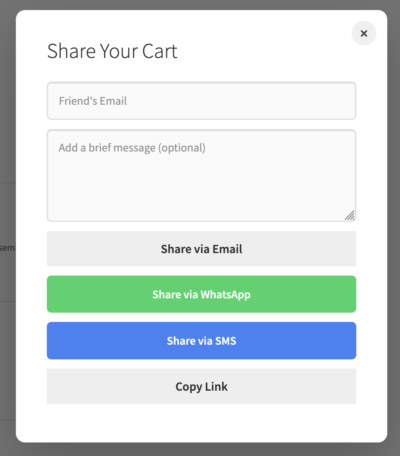
- Test each sharing channel you have enabled — for email, send a test to yourself to check the message looks right and that your website is properly configured for sending emails. For reliable delivery, consider installing an SMTP e-mailer plugin as well. This helps to ensure your website is recongnised as authorised to send emails from your web domain.
Next step
Next, review the Share My Cart Settings guide to explore all the available options and tailor the plugin to get the best results for your store.